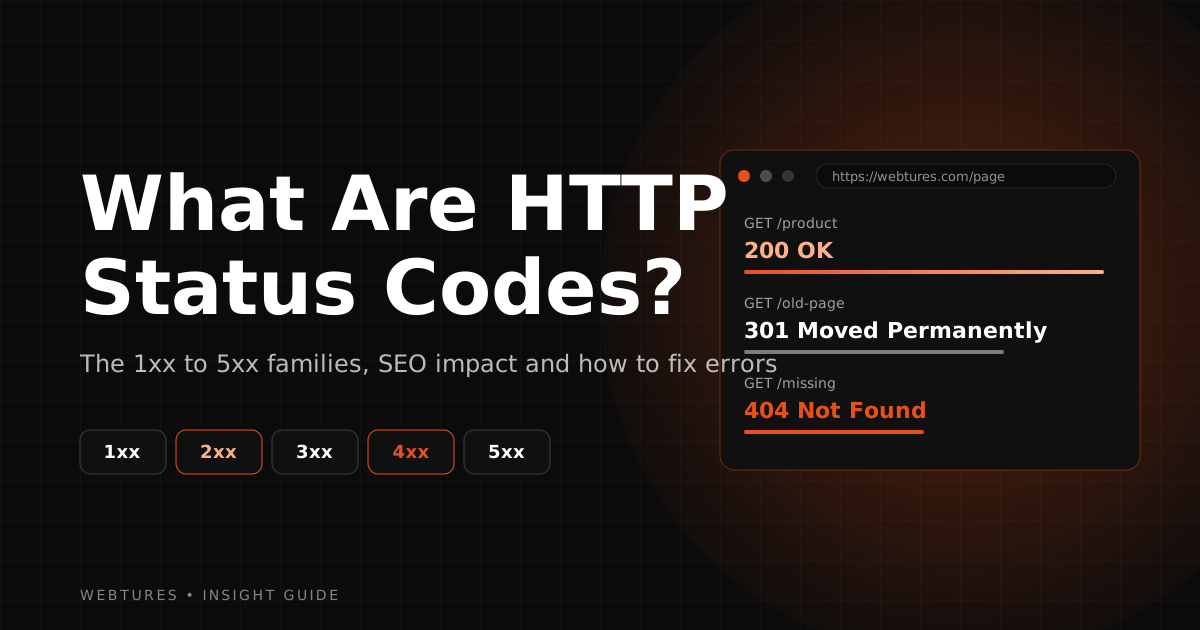
What Are HTTP Status Codes?
Learn what HTTP status codes are, how they work, and what each code from 1xx to 5xx means for your website, your visitors, and your SEO performance.

What is HTTP?
What are HTTP status codes? Before answering that, let's look at what HTTP itself is. Hyper Text Transfer Protocol defines the protocol for transferring information between the server (where websites are stored) and the client (the user). This protocol is what lets us access the internet with ease and retrieve the information we want.
The client (user) side sends a request to visit a website. In response, the server sends back data for that request. At its core, that is how the exchange works.
What is an HTTP status code?
There is a defined set of codes that describe the state of the data the server sends in response to the client's request. These codes are called HTTP status codes. You can think of how they work as a cause-and-effect relationship: as the client, we made a request, and an HTTP status code came back in response.
What do HTTP status codes do?
They are used to manage, route, and monitor the state of the data traffic between server and client.
Status codes inform the client (user) side.
Was an error received while the server's data was being delivered to the user, and if so, where did it originate (a server-side 5xx error, or a client-side 4xx error caused by requesting a page that does not exist on the site or typing extra characters)? Was the page redirected? Or did everything go as intended, with the client receiving the server's data correctly and the 200 code used for successful transfers being returned? We can learn all of this by looking at HTTP status codes.
When do you see HTTP status codes?
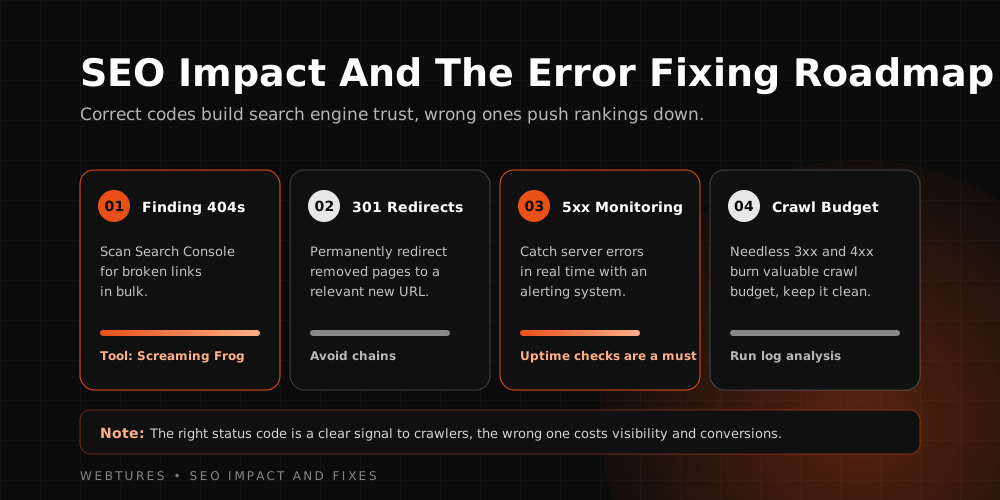
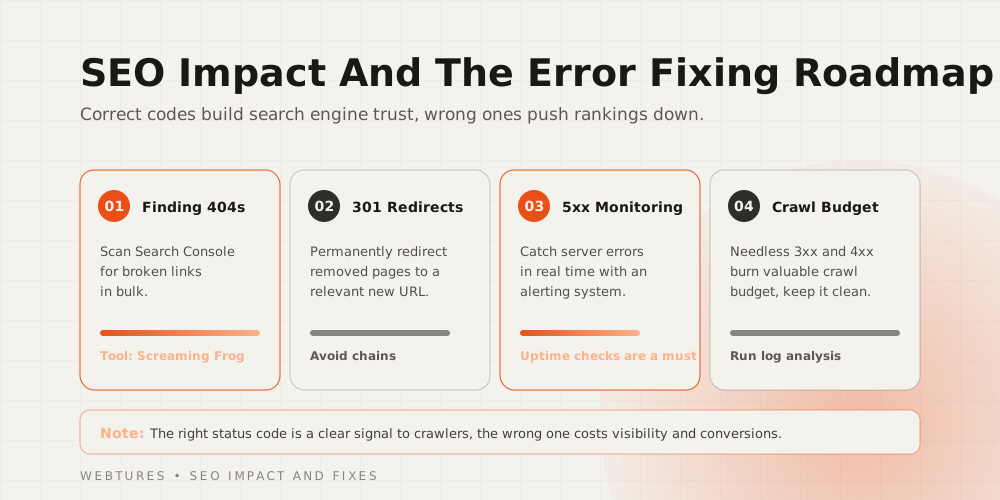
Most of the time, the client never sees a status code. When the requested data arrives correctly, the 200 (request completed successfully) code is processed in the background without being shown to the user.
Only the 4xx and 5xx codes are shown to the client (user) side, because these are error codes. You have surely seen messages like "This site can't be reached" or "The server took too long to respond". They tend to appear during unusual traffic spikes, when far more users than normal request data from a server at the same moment. The server struggles to answer every request and returns a 5xx error along the lines of "the server stopped responding".
How are HTTP status codes classified?
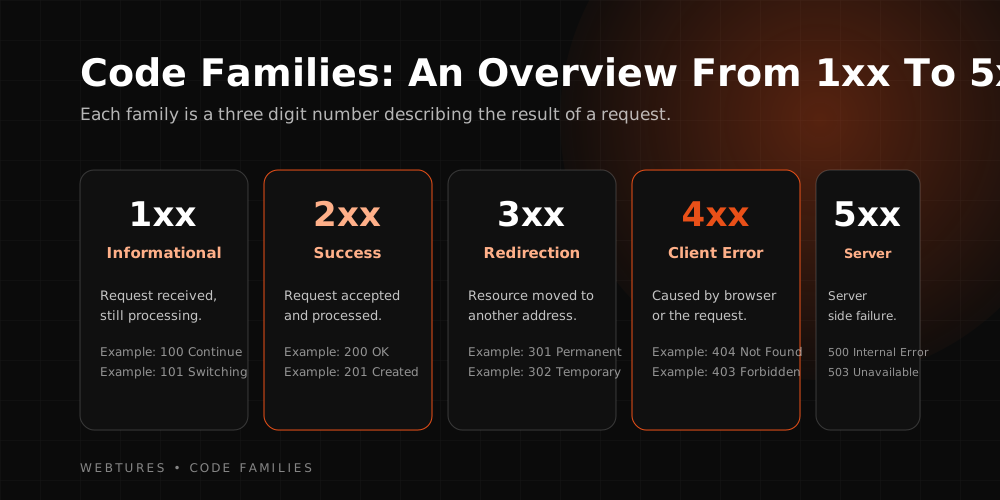
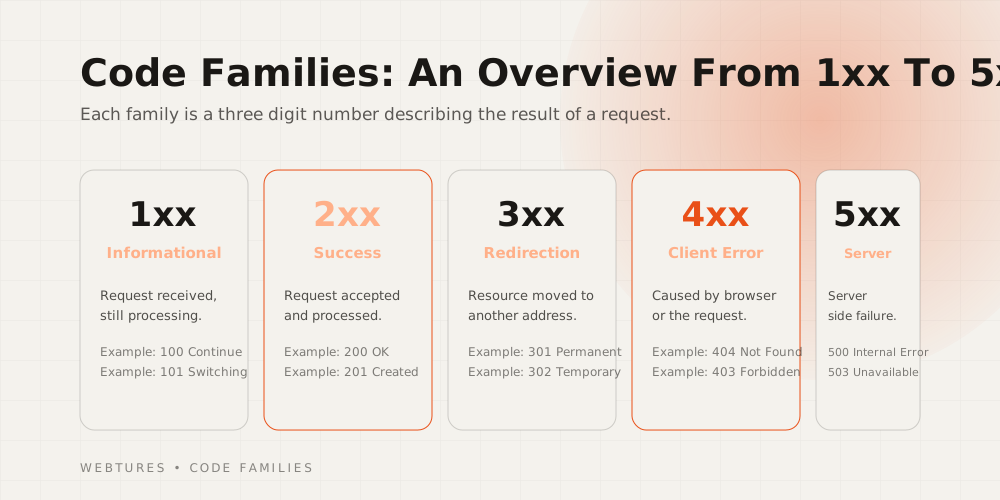
- 1xx: Informational codes indicating that the client's (user's) request has reached the server.
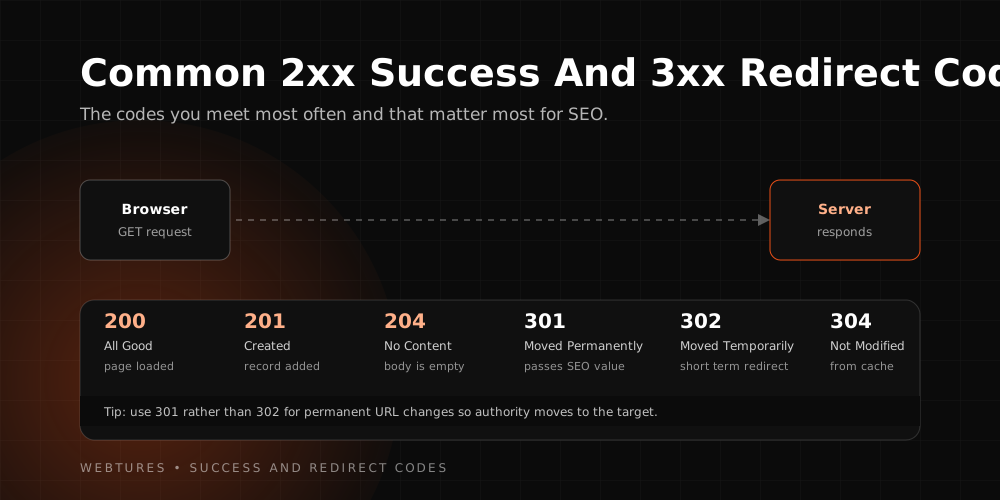
- 2xx: Status codes indicating that the request sent by the client (user) was accepted by the server and successfully delivered back to the client.
- 3xx: Status codes indicating that the page the client (user) requested has been moved to another page and a redirect is being performed to reach it.
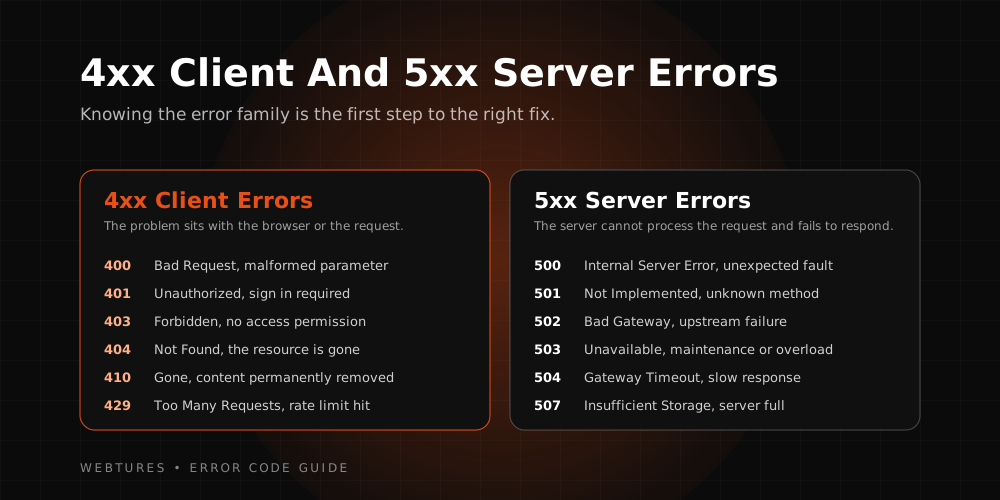
- 4xx: An error status code indicating that the client's request has no match on the server side, so an error was returned.
- 5xx: An error status code indicating that the client's request reached the server but could not be fulfilled due to server-side problems.
HTTP status codes and their meanings
- 100: The server has received the client's request and is ready to process it.
- 101: The client asked the server to switch the transfer protocol and the server approved.
- 103: Data is being processed following the client's most recent request.
- 200: The success status code, indicating the request sent by the client was fulfilled by the server and delivered back to the client.
- 201: The operation requested from the server has been carried out.
- 202: The server has placed the request in a queue.
- 203: The response left the server successfully, but the server-side source was modified along the way.
- 204: The server approved the operation but will not return any content.
- 205: The server approved the operation but will not return any content. The document view should be reset.
- Means that interrupted downloads can be resumed and downloads can be split into parts.
- 300: The server has more than one resource available to fulfill the client's request, and a choice must be made between them.
- 301 redirect: Means the location of a resource on the server has been changed permanently.
- 302 redirect: Means the location of a resource on the server has been changed temporarily.
- 303: The requested resource was reached using the POST method; to retrieve the data from the server with the GET method, the URL must be changed.
- 304: Means the data in the browser cache has not been modified.
- 307: Means the resource on the server has been moved temporarily. Prevents the HTTP protocol from changing.
- 308: Means the resource on the server has been moved permanently. Prevents the HTTP protocol from changing.
- 400: Means the server cannot use the data due to client-side errors.
- 401 error: Means the login credentials required to access the data the client wants to see have not been verified.
- 402: Reserved; payment is required.
- 403: Shown when the data requested from the server is forbidden.
- 404 error: Means the requested data could not be found by the server.
- 405: The error received when the request method used is not supported for the requested data.
- 406: Returned when the server cannot send the data to the browser in the format requested in the data headers.
- 407: Used when authentication or authorization is required in proxy setups.
- 408: A timeout error used when the server waits too long for the request.
- 409: An error encountered when the data conflicts.
- 410: Means the requested resource has been permanently removed from the server.
- 411: An error encountered when no specific length is declared for the requested data.
- 412: Means the preconditions set by the client could not be met by the server.
- 413: An error encountered when the requested operation is too large for the server to process.
- 414: The error code received when queries written at a size that would seriously strain the server are requested using the GET method.
- 415: An error encountered when the incoming request uses a file format the server does not support.
- 416: An error that occurs when part of the requested data cannot be served by the server.
- 417: An error that occurs when the server cannot meet the client-side expectation.
- 422: An error that occurs when the server cannot respond to client requests containing logical errors.
- 425: An error encountered when the server declines to process data that could be replayed.
- 426: An error raised when the content in the request headers requires switching to a different protocol.
- 428: An error code indicating the server requires conditions to be set before it will process the data.
- 429: A status code indicating the client sent too many requests in a short time and the server is applying limits to protect itself.
- 431: An error shown because the header fields of the request sent by the client are too large.
- 500: The status code shown for server-side problems.
- 501: The status code shown when the server cannot process the requested data.
- 502: The status code shown when connection requests between servers fail.
- 503: The status code shown when the server is temporarily out of service.
- The status code for when operations between servers take too long and time out.
- Shown when the network in use requires authentication before connecting to the server.
How do you detect HTTP status codes?
As we noted, apart from certain codes (404, 403, 501, and so on), status codes are not visible to users up front. Using various tools, we can see the status codes applied across websites. One of these tools is httpstatus. It lets us see the redirects applied on individual pages or across entire websites.
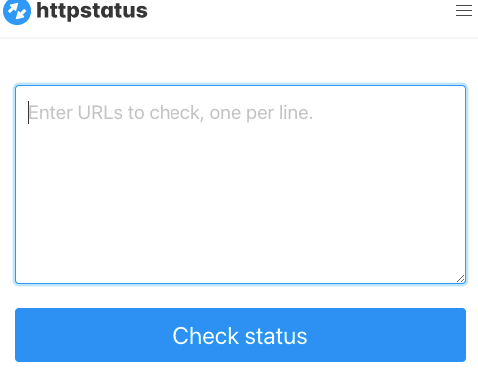
First, copy the URL you want to check, then click the "Check Status" button to start the check. The tool shows whichever code matches your URL structure: a redirect (3xx), an error page (4xx), or a success (2xx) code.