What Are AI-Powered Drawing Tools?
Discover the best AI drawing tools, from free options to pro platforms, compare costs and features, and learn how to use them in creative projects.


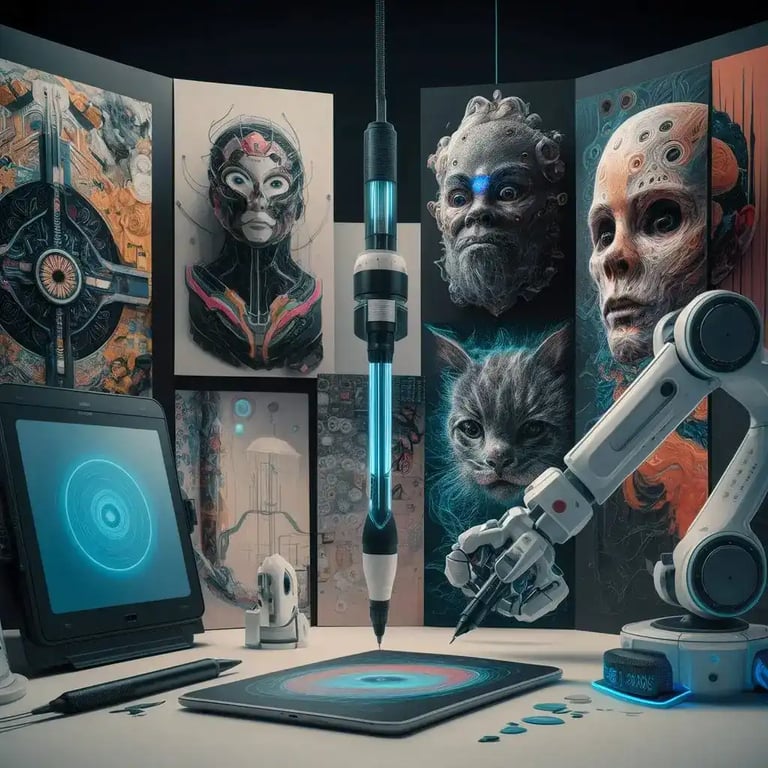
AI-powered drawing tools are digital applications that let you create artwork using artificial intelligence technologies. Powered by a range of algorithms and learning models, these tools take user input and generate drawings based on it. They are designed to assist the creative process, sometimes by completing a user's sketch and sometimes by producing entirely new work from scratch.
Which AI drawing tools are available and which are the most popular?
There are many AI drawing tools on the market. For example:
DeepArt: Lets users recreate their photos in the style of famous artists.
DALL-E: Developed by OpenAI, this tool takes text descriptions and produces detailed, creative visuals.
Artbreeder: Allows users to blend images with the help of genetic algorithms to create entirely new pictures.
RunwayML: Offers AI tools for video, image, and audio editing, making it ideal for artists and creators.
This Person Does Not Exist: Generates realistic human faces using GAN (Generative Adversarial Networks) technology.
Deep Dream: Developed by Google, this tool applies surrealist transformations to existing images, turning them into artistic compositions.
Crayon: A tool that lets users start with simple sketches and build them into detailed illustrations.
NightCafe Creator: Transforms user photos into artworks using a variety of art styles and techniques.
VQGAN+CLIP: Another powerful AI tool that generates visual content from text descriptions.
GANPaint Studio: Can add or remove objects in an image and edit visuals in real time by altering their details.
How much do AI drawing tools cost?
The cost of AI drawing tools ranges from completely free options to professional-grade subscription products that can run into hundreds of dollars.
Free AI drawing tools
Deep Dream Generator
Developed by Google, this tool lets users transform uploaded images into surrealist artworks.
The free version covers the basics, while premium plans unlock more advanced processing.
Artbreede
You can merge photos using genetic algorithms to create new images.
Basic use is free, but higher resolutions and additional features require a premium membership.
This Person Does Not Exist
This tool, which generates faces of people who do not exist, is entirely free.
Using GAN technology, it creates a new face with every page refresh.
Paid AI drawing tools
DALL-E
Developed by OpenAI, this tool takes text descriptions and produces detailed, original visuals.
It runs on a per-user credit system, and those credits can be purchased.
RunwayML
A versatile AI platform that handles video, image, and audio editing.
It operates on a monthly subscription model with several pricing tiers.
DeepArt
Recreates photos in the style of famous works of art.
You pay per transformation, or a monthly subscription grants unlimited access.
What to consider when weighing the cost
Usage frequency and needs: If you regularly need high-quality output, a paid tool may be the better fit.
Project scale: For large-scale projects and professional use, paid tools offer more features and support.
Budget: For personal use and experimentation, free tools can be a solid starting point.
Does AI-generated art count as original?
Artworks created with AI remain the subject of ongoing legal and ethical debate. These works are generally covered by the copyright of the software's creator, though in some cases the AI itself is regarded as the "creator" of the piece.
Can I use AI drawing tools for education?
Yes, AI drawing tools are excellent resources for art and design education in particular. Students can use them to expand their creativity and learn new techniques.
Can AI drawing tools be used for professional work?
Absolutely. Many artists and designers use AI tools to create distinctive works and apply them in commercial projects.
How do you learn and improve with AI drawing tools?
A range of online courses and tutorials teach how to use AI drawing tools. You can also sharpen your skills by using these tools regularly and testing them across different projects.
How to use AI drawing tools: a step-by-step guide
Choose a tool: Pick an AI drawing tool that fits your needs.
Get trained: Watch tutorial videos or read the user guide for the tool.
Experiment: Start with simple drawings to explore the tool's features.
Apply it to projects: Build experience by using these tools in personal or professional projects.

Let us make your brand visible in AI search.
Share your goals, we'll come back with a custom growth plan within one business day. A strategy lead will reach out personally.
Get in touch