The Best WordPress Plugins for a Mobile-Friendly Site
The right WordPress plugins give you far better control over making your website mobile friendly. With these plugins, any site becomes more accessible and noticeably easier and more comfortable to use. WordPress plugins also let you build a much stronger foundation.

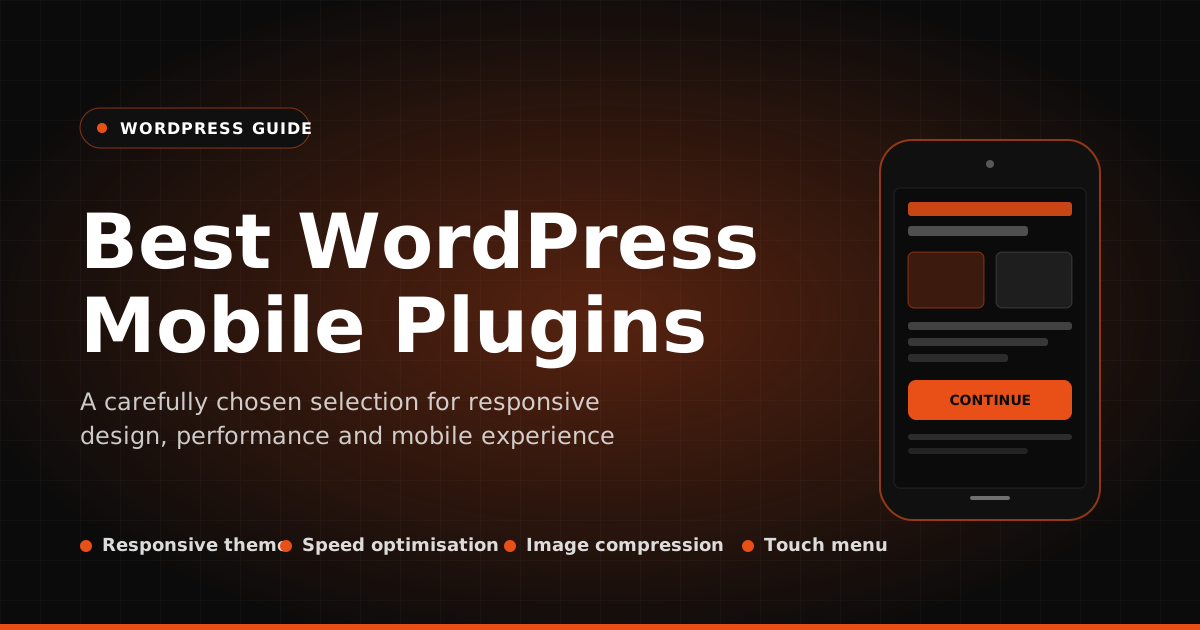

The right WordPress plugins give you far better control over making your website mobile friendly. With these plugins, any site becomes more accessible and noticeably easier and more comfortable to use. WordPress plugins also let you build a much stronger foundation. Whether you run a blog, an e-commerce store or a corporate website, these plugins fit every purpose and help you build a polished system across a wide range of use cases. Let's look at the WordPress plugins that will make your site mobile friendly.
Jetpack
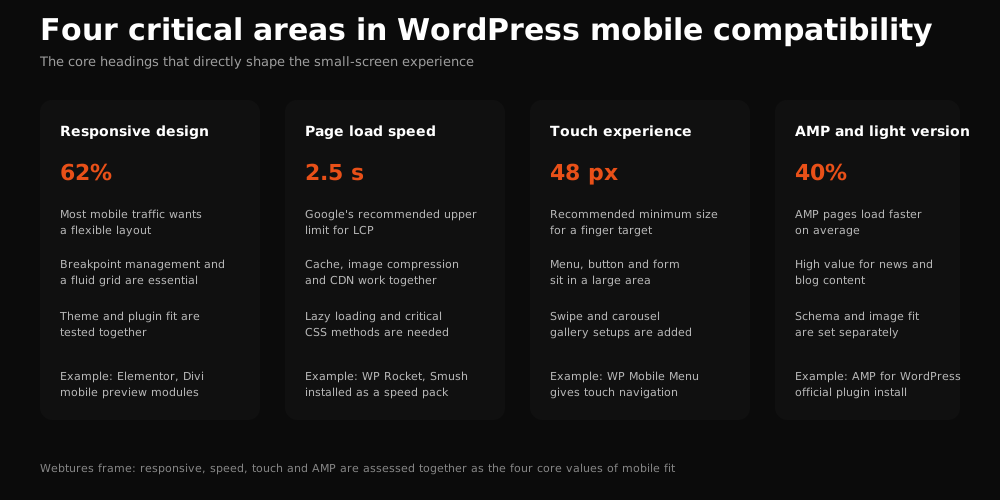
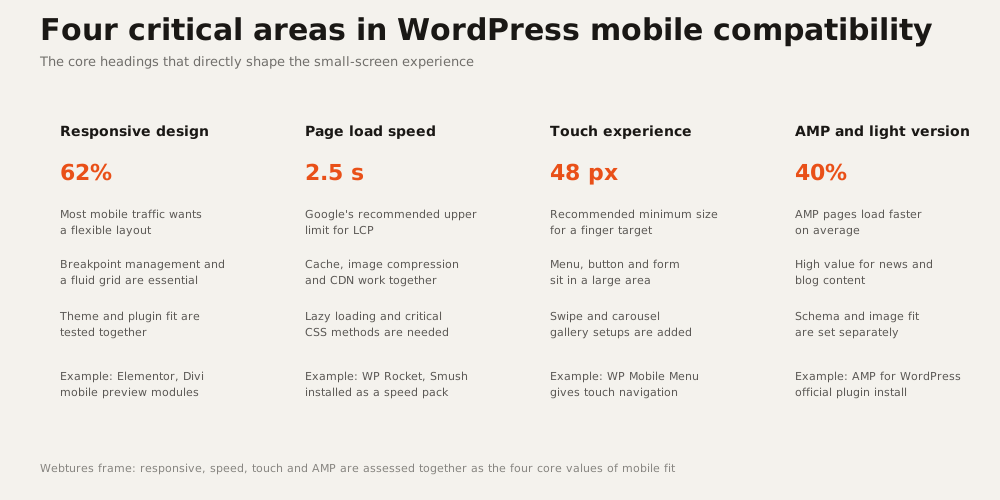
Jetpack brings a long list of advantages. First of all, it makes your website stronger and better prepared on every front. With 33 distinct features, the plugin stands out for helping your site adopt a mobile-friendly design and deliver an ideal user experience through its WordPress mobile theme. As a result, your website's usability on mobile devices reaches its maximum.

On top of that, Jetpack includes a mobile-friendly WordPress theme feature. With it, your website looks far better on mobile devices and browsing becomes seamless. The plugin also puts features such as contact forms and galleries at your service. And if you know your way around CSS and PHP, you can customize your theme while keeping the mobile-friendly theme capability intact.
Widely praised for its Photon feature, which speeds up your website, Jetpack also helps you monitor your site's mobile performance with image optimization, lazy loading and site statistics. To make your site mobile friendly with Jetpack, install it here.
WPTouch Mobile Plugin
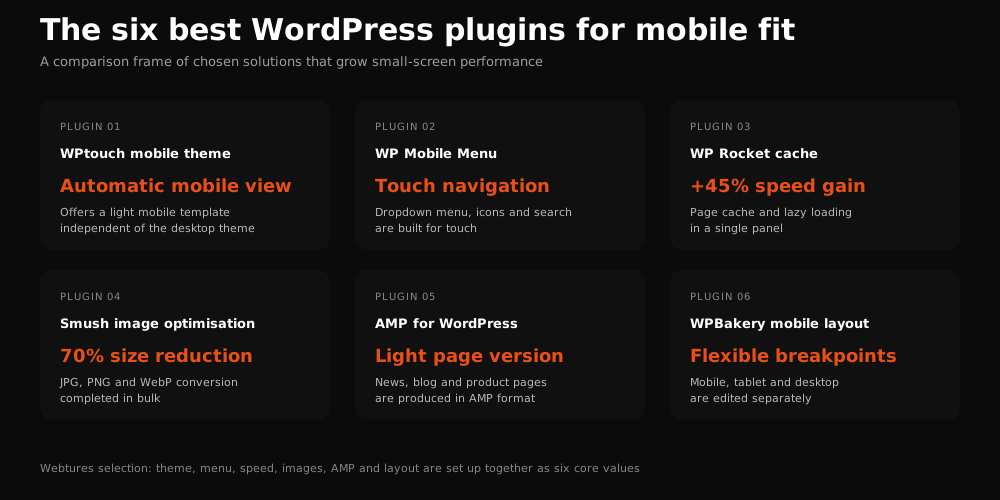
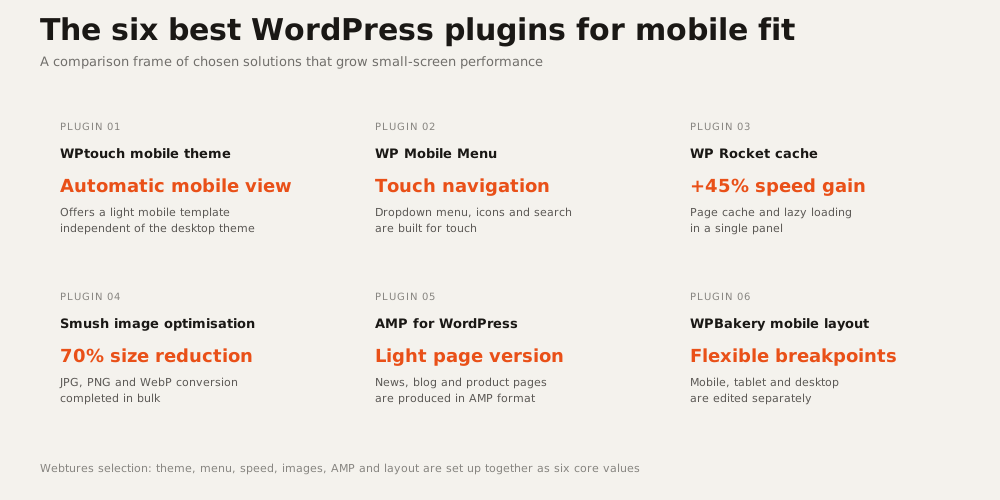
Especially popular among bloggers, WPTouch Mobile is known as a fully mobile-responsive plugin. It is far more effective than similar plugins at speeding up your website, and its Infinity Cache feature earns frequent mentions. With this feature, you gain mobile caching capability.
You can also scale the images you add to your website with CSS, which means every uploaded visual is optimized for mobile. The plugin lets you use different extensions and process each piece of content individually for mobile devices, images included. This makes the process of adding all your content to the site faster and smoother.
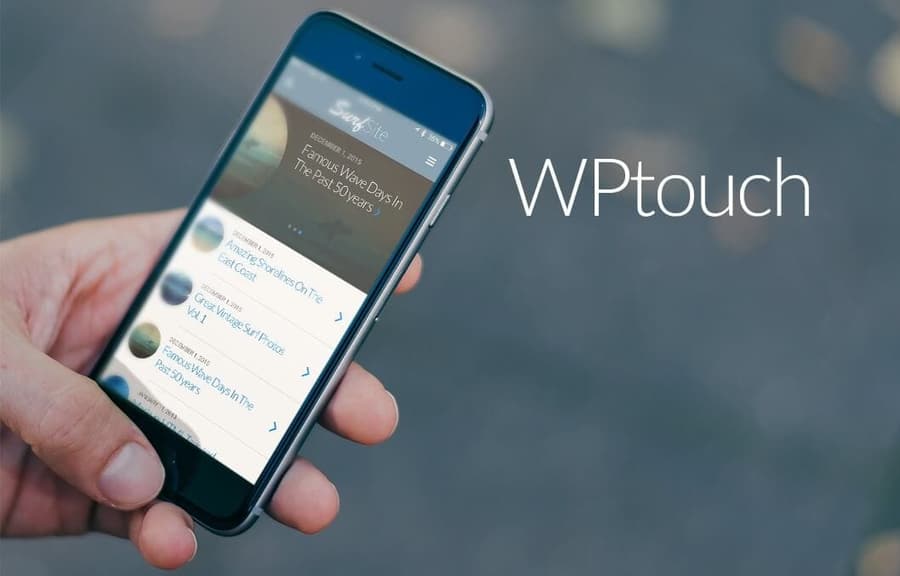
The WPTouch Mobile Plugin delivers an excellent experience for visitors arriving from both desktop and mobile devices. It also ships with a large set of additional extensions, detects the device each visitor is using and automatically activates the right extensions based on that device's capabilities. To make your site mobile friendly with the WPTouch Mobile Plugin, install it here.
WP Mobile Detector
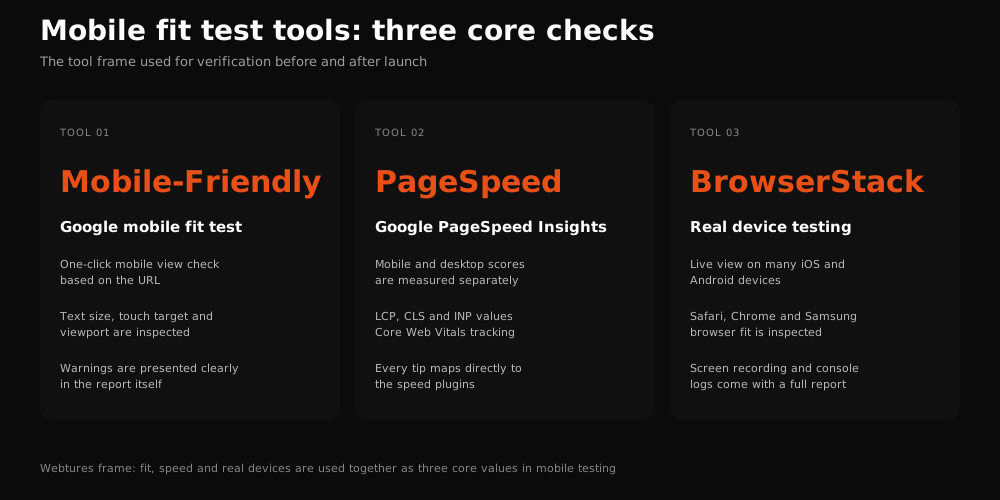
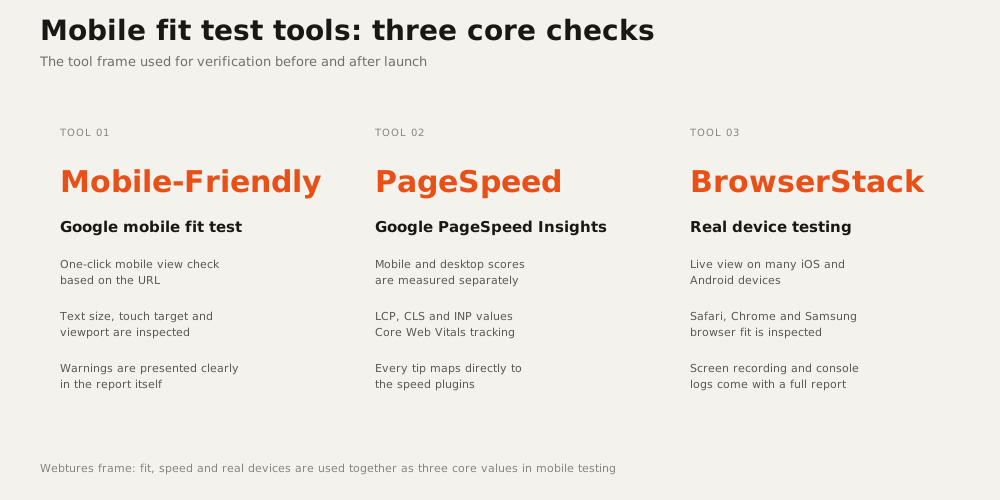
An indispensable tool among site administrators, WP Mobile Detector helps you make sure visitors reach your website smoothly from their mobile devices. It also lets you see whether each request sent to the server comes from a mobile device or a desktop. The plugin automatically detects the device every visitor uses and, through its WordPress mobile theme feature, loads the theme best suited to that device. Your website gains device-level insight while supporting countless mobile devices at once. The format of your content is instantly adapted to each visitor's device, so you capture the user experience at its ideal level.
WordPress Mobile Pack
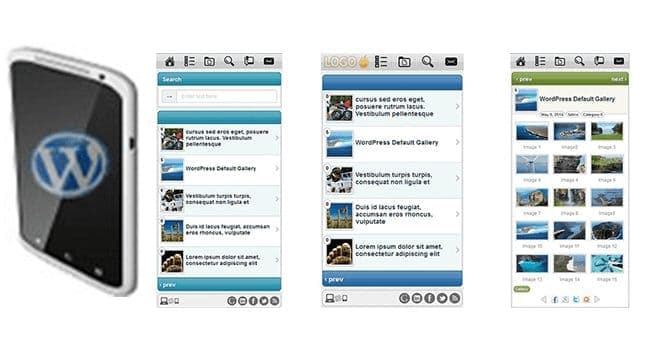
A superb WordPress plugin for a distinctive user experience, WordPress Mobile Pack lifts your website's quality to the next level. It lets your site look and feel like an app, presenting every piece of content in a format suited to the visitor's device. One of its best features is multi-platform support, so all your content is served in a platform-native way. The plugin helps you build a responsive interface and draws attention with six background covers, ready-made mobile-friendly WordPress themes and post synchronization. It helps you customize the site's appearance, integrates analytics tools with the mobile theme in use and wins praise for its full-screen mode. Keep in mind that WordPress Mobile Pack 2.0 runs on WordPress 3.5 and above. To make your site mobile friendly with WordPress Mobile Pack, install it here.
WP Mobile Edition
Sometimes a fully mobile-built website serves you better than a responsive design. In those cases, WP Mobile Edition is the ideal plugin. It converts your website into a complete mobile version. Supporting Android, iOS and Windows operating systems, this WordPress plugin includes a mobile switch button: the system automatically detects each visitor's device and offers the option to switch between the desktop and mobile versions. The user experience improves accordingly, whichever version is in use.
Its theme, built specifically for mobile devices, loads quickly and easily, and the plugin comes with eight color schemes. Alongside device adaptation, it offers smart formatting and a full comment system. For a plugin this functional, being SEO friendly is a major advantage. Paired with site speed and SEO plugins, it takes your website to an even higher level and makes an excellent choice. You can install WP Mobile Edition here.
AppPresser
AppPresser helps make the app tied to your website faster and more functional, giving it access to device features such as the camera, contacts and more. This lets a WordPress site work as a proper app. That said, this plugin alone cannot build your website's app for you.

AppPresser simply makes it easier to connect your app to WordPress. First you need an app builder to turn your website into an app; then you use this plugin to link that app to your WordPress site. You can install the AppPresser WordPress plugin here.
What should you look for when choosing a WordPress plugin?
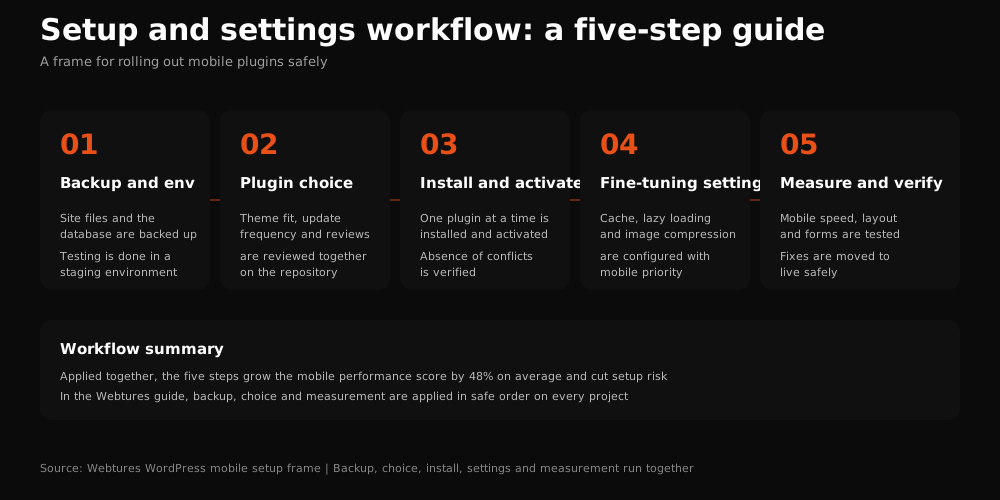
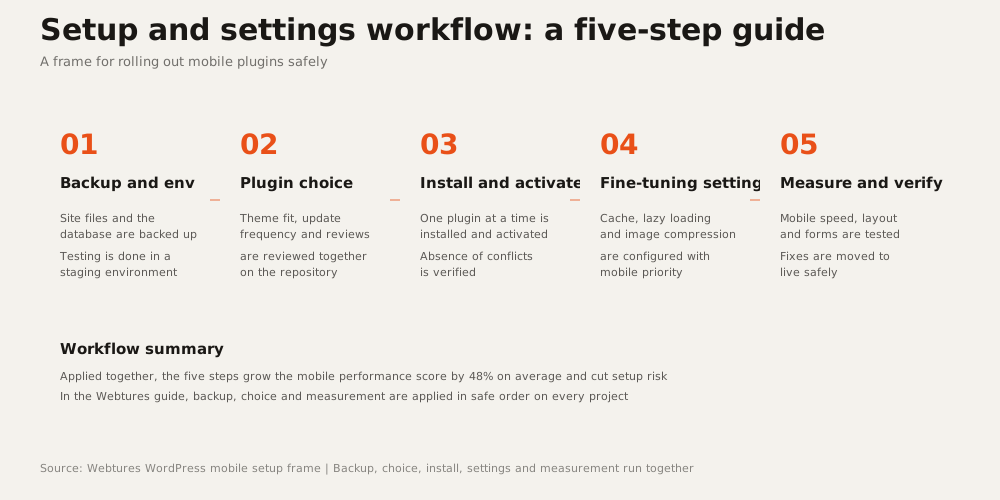
There are countless WordPress plugins to choose from, some paid and some free. That is why picking a plugin for your website deserves careful attention. In short, look for the following:
- Start with plugins that have been reviewed by WordPress.
- Some WordPress plugins suffer from update problems, so choose plugins that are updated regularly.
- Plugins with a mobile-friendly WordPress theme feature are far better suited to a distinctive user experience.
- To fix gaps and keep improving your website, favor plugins with strong support and feedback records.
- Prefer plugins that will not conflict with the ones already running on your site.
We have covered the WordPress plugins that will make your site mobile friendly and what to watch for when choosing one.