What is ChatGPT Agent Mode? How to use it in GEO workflows
ChatGPT Agent Mode is the agentic working mode inside ChatGPT that completes complex tasks end to end on its own.

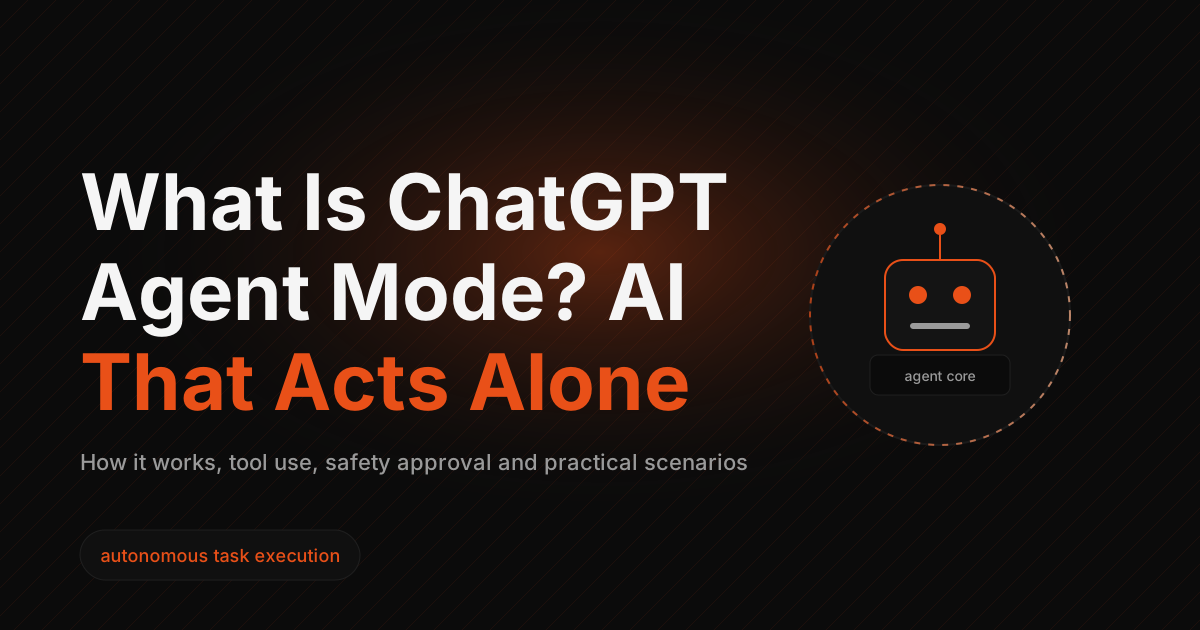
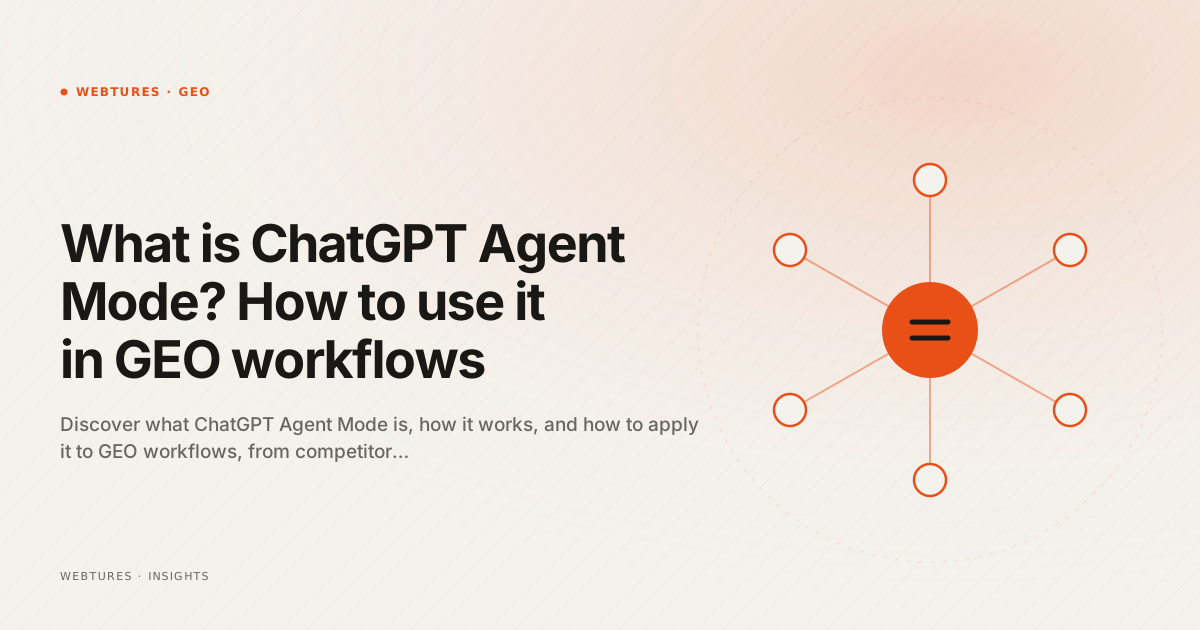
ChatGPT Agent Mode is the agentic working mode inside ChatGPT that completes complex tasks end to end on its own. It was not built for GEO, but its tool-based capabilities turn it into a strong assistant for source research, competitor analysis, data collection and content planning. This article covers what Agent Mode is, how it works, how it fits GEO-focused content workflows, and the risks it carries.
What is ChatGPT Agent Mode?
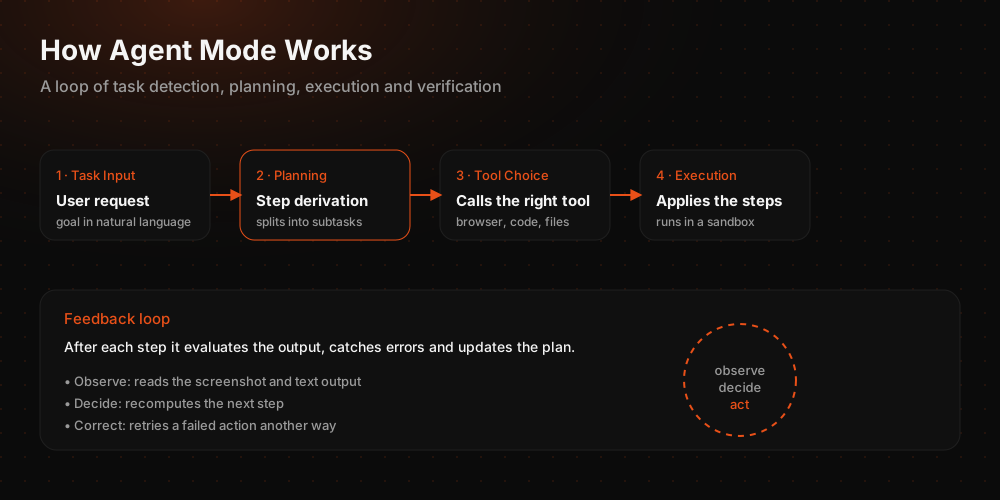
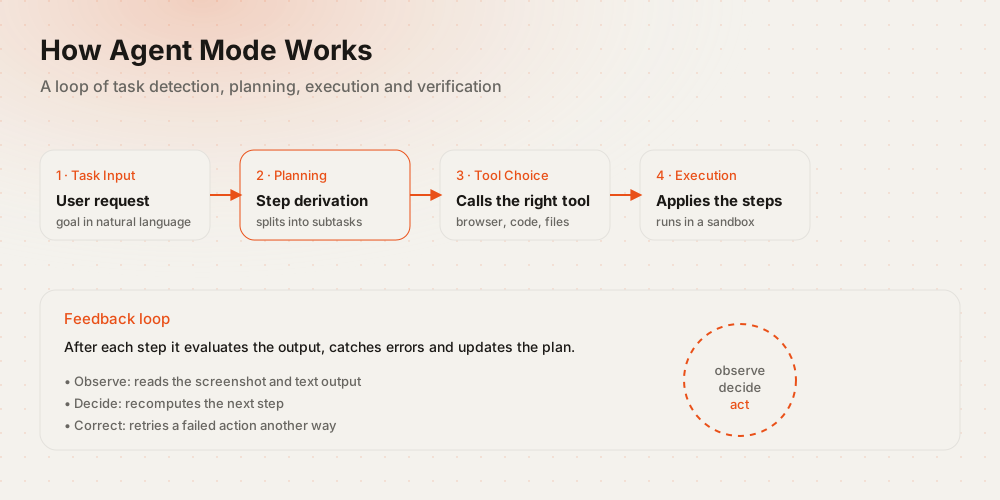
ChatGPT Agent Mode is the working mode that lets ChatGPT act on the user's behalf rather than only produce text. The system uses several tools inside a single task chain, including a web browser, a file manager and a code runner. When a user assigns a task such as "analyse my three competitors and turn it into a presentation," the model first converts it into a plan, then selects the relevant tools and executes them step by step.
This architecture does more than present information. It collects, processes, synthesises and converts information into output files. All of it runs inside the virtual computer environment OpenAI provides, so the work happens in an isolated environment rather than on the user's own machine.
Agent Mode is often confused with Operator, which was introduced as a separate product. Operator was a standalone preview that tested the ability to drive a browser on the user's behalf. Those capabilities were folded into the standard agentic flow inside ChatGPT, and Operator was retired as a separate product. Browser use, deep research and file generation now sit in the same interface.
How does ChatGPT Agent Mode work?
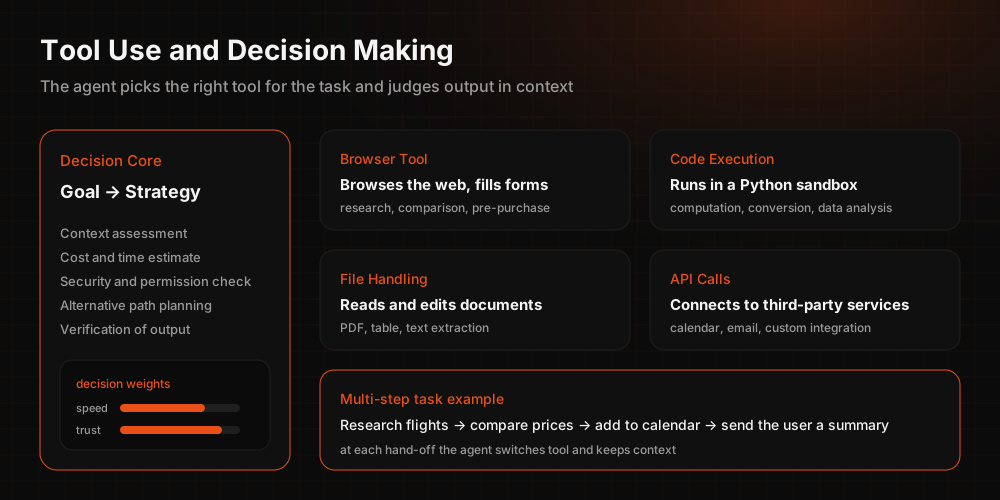
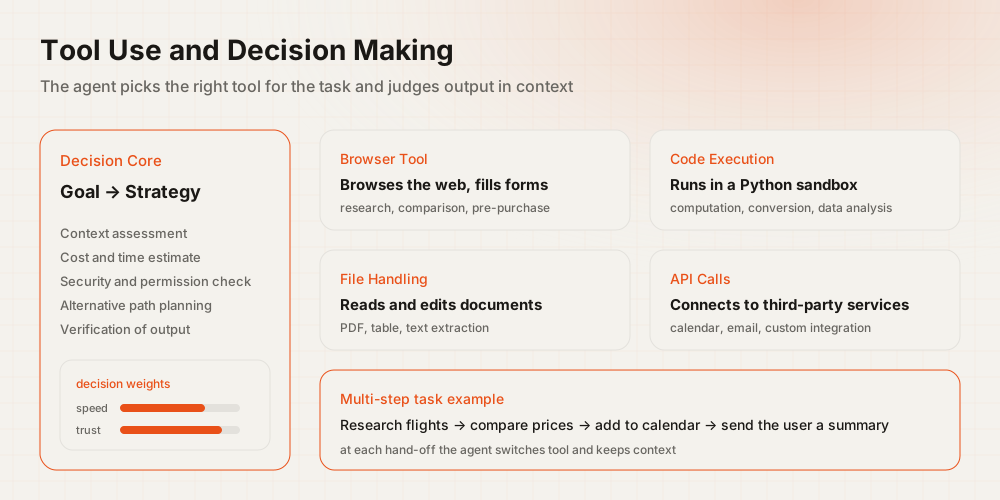
Agent Mode works through the combination of three capabilities: browser use, deep research and reasoning.
- Browser and tool use: the ability to navigate, open pages, fill forms and extract data inside a virtual environment.
- Deep research: the capacity to gather information from multiple sources and compare it into contextual output.
- Reasoning and planning: breaking a task into sub-steps, deciding which tool serves which step, and revising the plan as interim results come in.
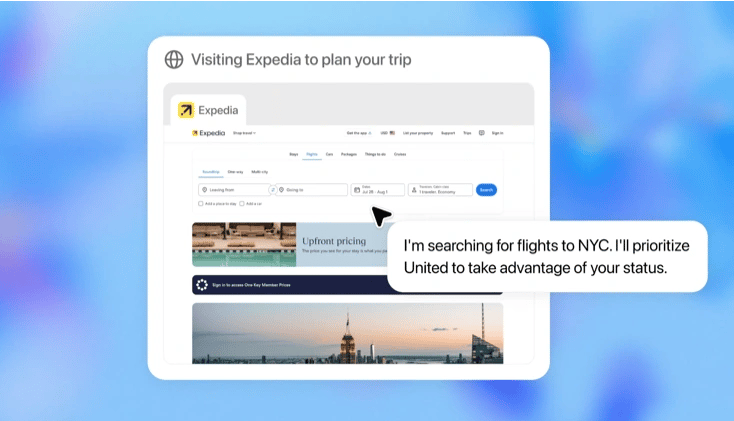
Together these let the model select tools proactively and make contextual decisions mid-task. Given the task "compare the blog strategies of three competitors," it first collects the data with the browser, then analyses it and converts the output into a spreadsheet.
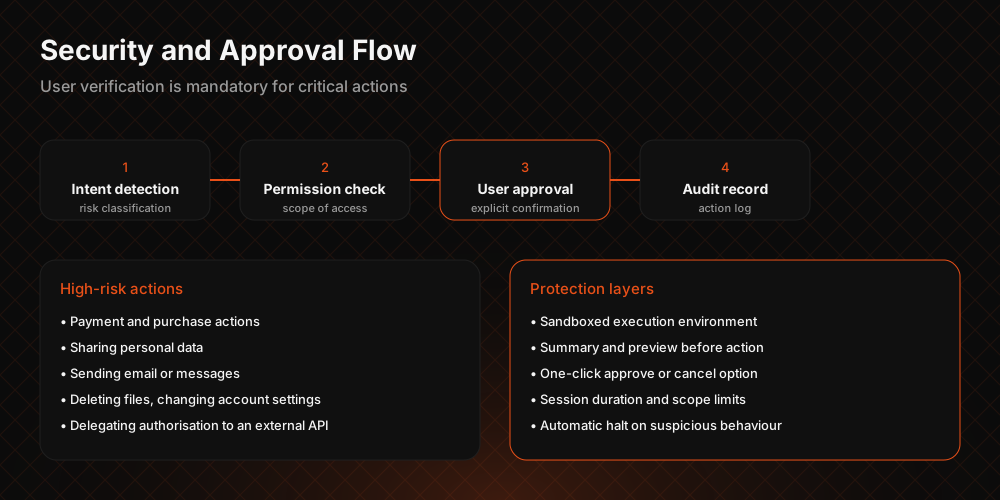
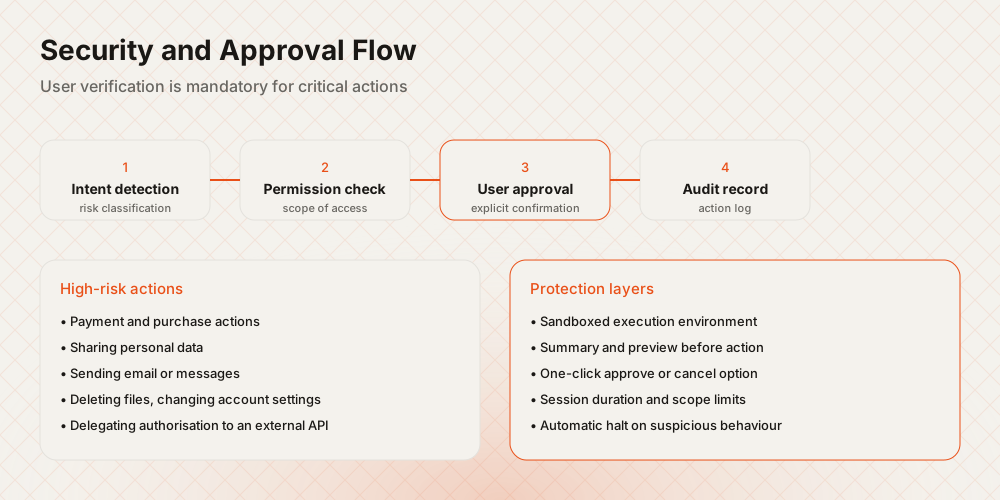
User control is the critical element. Agent Mode asks for approval before performing actions whose results cannot be undone. Any stage of a task can be paused or taken over manually.
How is Agent Mode used for GEO-ready content?
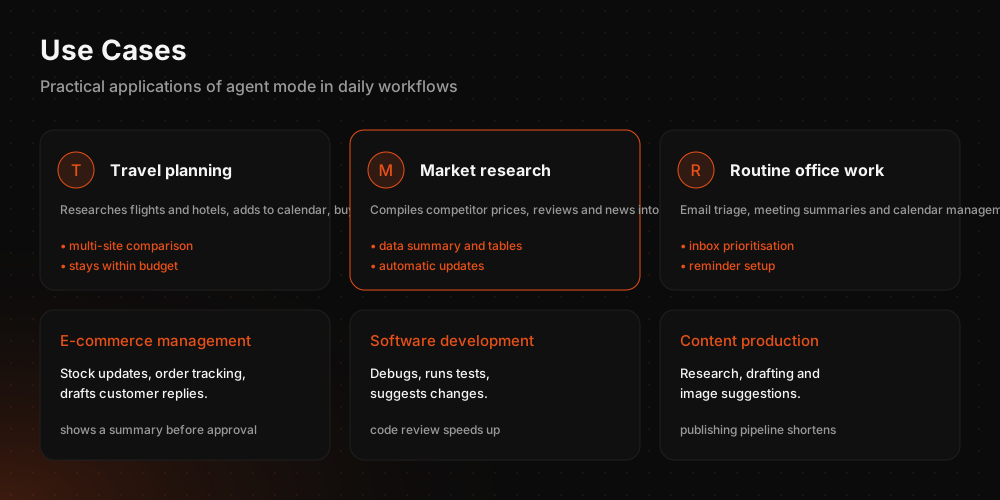
In GEO workflows, Agent Mode is used as a layer that takes over the research and planning load ahead of writing, not as a writer. Query research, source scanning, heading mapping and competitor comparison can all be collapsed into a single task chain.
One practical use is scanning local search terms for a brand with a defined service area and splitting those terms into intent groups. The model collects the query list, records which sources are shown in AI answers for each query, and turns that data into a table the content plan can consume. The content team then decides which heading serves which intent from observation rather than assumption.
Agent Mode can also create files for defined content types, prepare heading lists and organise pre-writing drafts. For the output to hold up in GEO terms, the content principles have to be set by a human first. Our article on the five golden rules of GEO-ready content sets out those principles.
How can Agent Mode help with competitor analysis?
In competitor analysis, Agent Mode automates data collection and tabulation. Working out which queries and prompt intents you compete on, what content types your competitors produce and which topics they get cited for takes days when done by hand.
The browser tool can inspect competitor site structures and collect heading hierarchies, meta descriptions and content lengths. The model turns that data into a comparison table and, where needed, produces a spreadsheet or report file.
At Webtures the workflow runs as a three-stage prompt chain: the query set and competitor list are fixed first, the sources cited in AI answers are collected for each query next, and the source distribution is tabulated by brand in the final step. The output always passes through human verification, because part of what the model collects can be incomplete or mismatched. Our automotive AI visibility report shows the same method applied at industry scale.
How does Agent Mode differ from AI browsers?
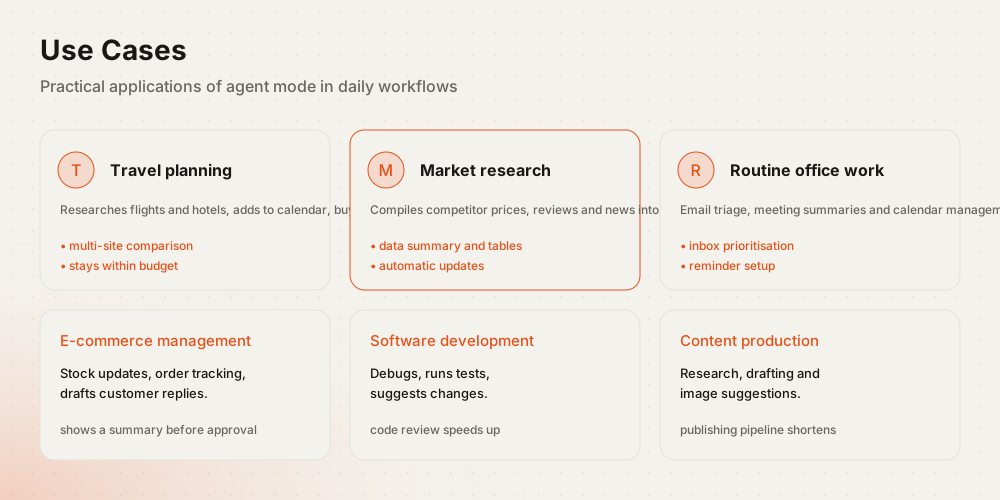
Agent Mode is task automation running inside a chat interface, while AI browsers redesign browsing itself. They are not alternatives to each other; they serve different scenarios.
Agent Mode suits work that has to end in a deliverable: data collection, analysis, file generation. AI browsers accompany the user's own navigation and answer in the context of the page on screen. We examined what that distinction means for GEO in our article on the ChatGPT Atlas browser.
What are the risks of using Agent Mode in GEO workflows?
Agent Mode offers powerful automation, but the following risks should be kept in mind when using it for GEO.
- When collecting data from the web with its browser tool, it cannot always distinguish reliable sources from unreliable ones.
- Inaccurate or outdated information lowers content quality and puts it at odds with E-E-A-T criteria.
- While trying to complete a task end to end, it can produce flawed analysis or incomplete files.
- When collected data carries no date stamp, an old table can easily be mistaken for a current one.
- Skipping user approvals can trigger actions that are hard to reverse.
The most practical mitigation is to require a source column in every table the model produces, then verify those sources before anything is published.
Where does Agent Mode sit in your GEO strategy?
Agent Mode does not replace a GEO strategy; it accelerates the research leg of one. Humans decide which queries you want to appear in, which entities should be associated with the brand, and which authority signals the content must carry. The model gathers the inputs for those decisions.
To structure your AI search visibility work, review our GEO service.