How to Use rel=sponsored and rel=ugc
Understand Google's rel=sponsored and rel=ugc link attributes, learn when to apply each tag, and see how nofollow became a ranking hint in Search.

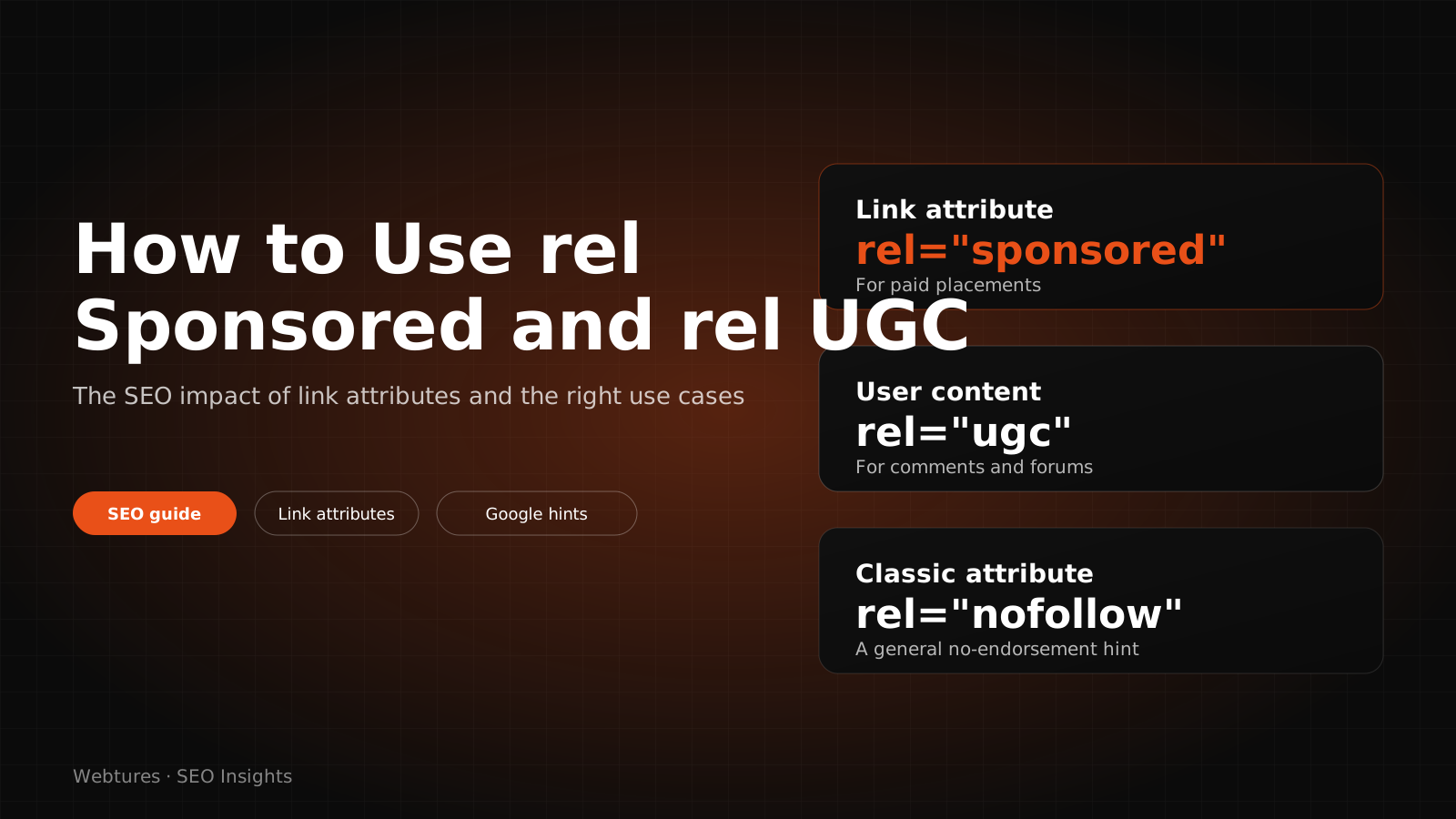
On 10 September 2019, Google introduced two new link attributes: rel="sponsored" and rel="ugc". The same announcement turned rel="nofollow" from a strict directive into a hint. In the years since, these three attributes have become the standard way to qualify outbound links. This article explains what each attribute does, when to use it, and why link marking still matters in AI-driven search.
What are link attributes?
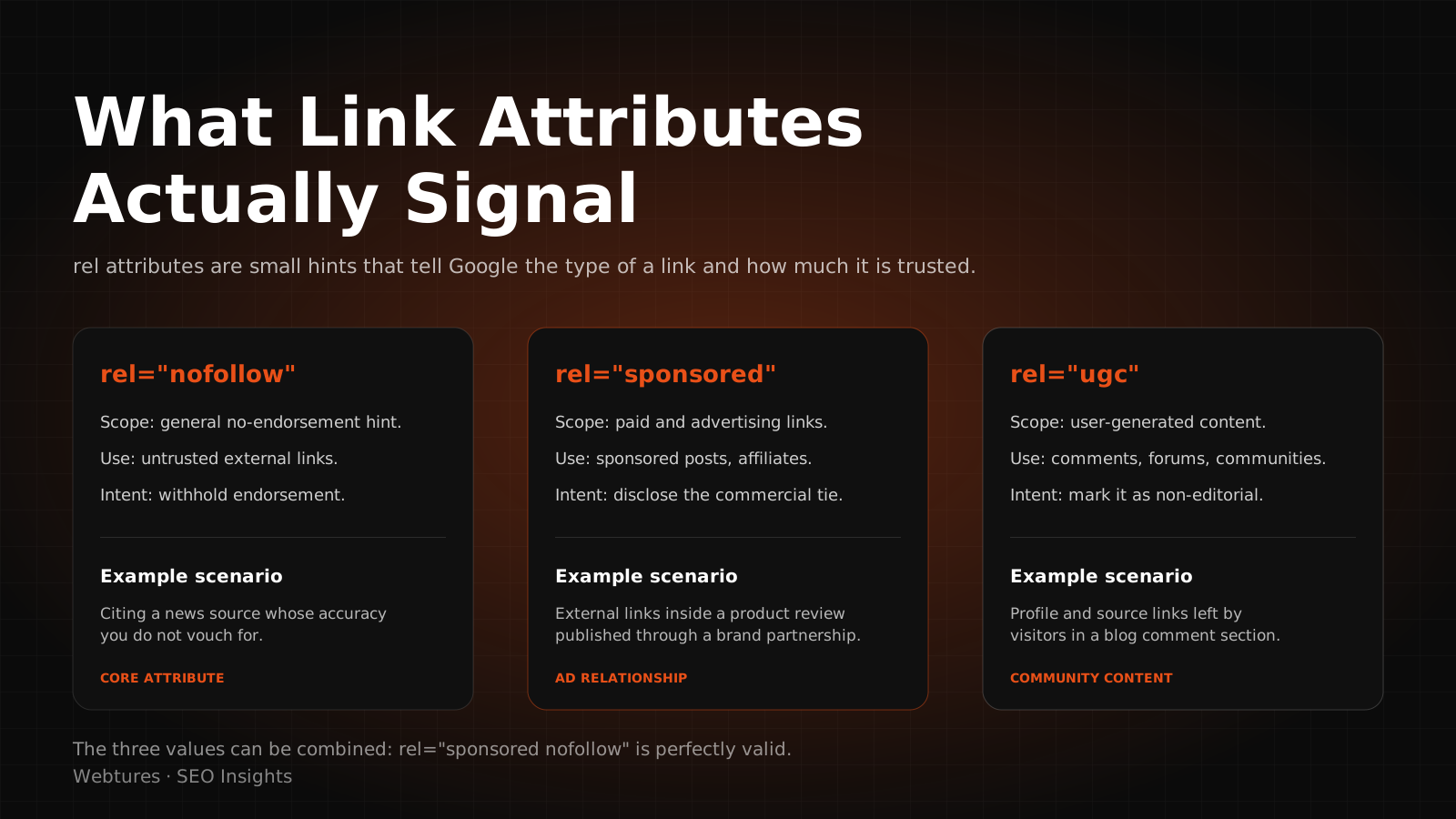
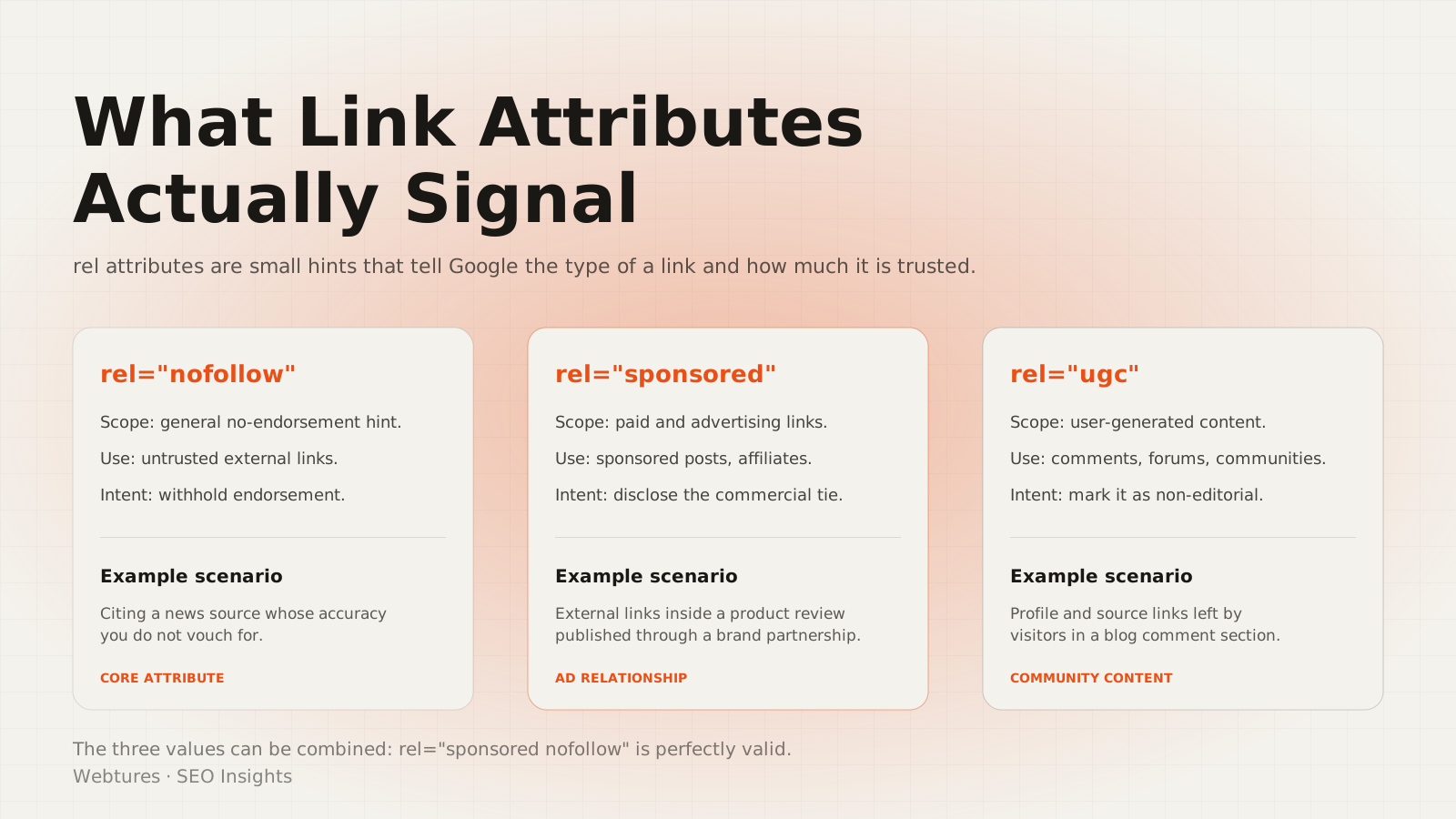
Link attributes are values placed in the rel field of an <a> tag that tell search engines what kind of link they are looking at. Four options are in use today:
- rel="nofollow": a hint that the link should not be treated as a ranking signal.
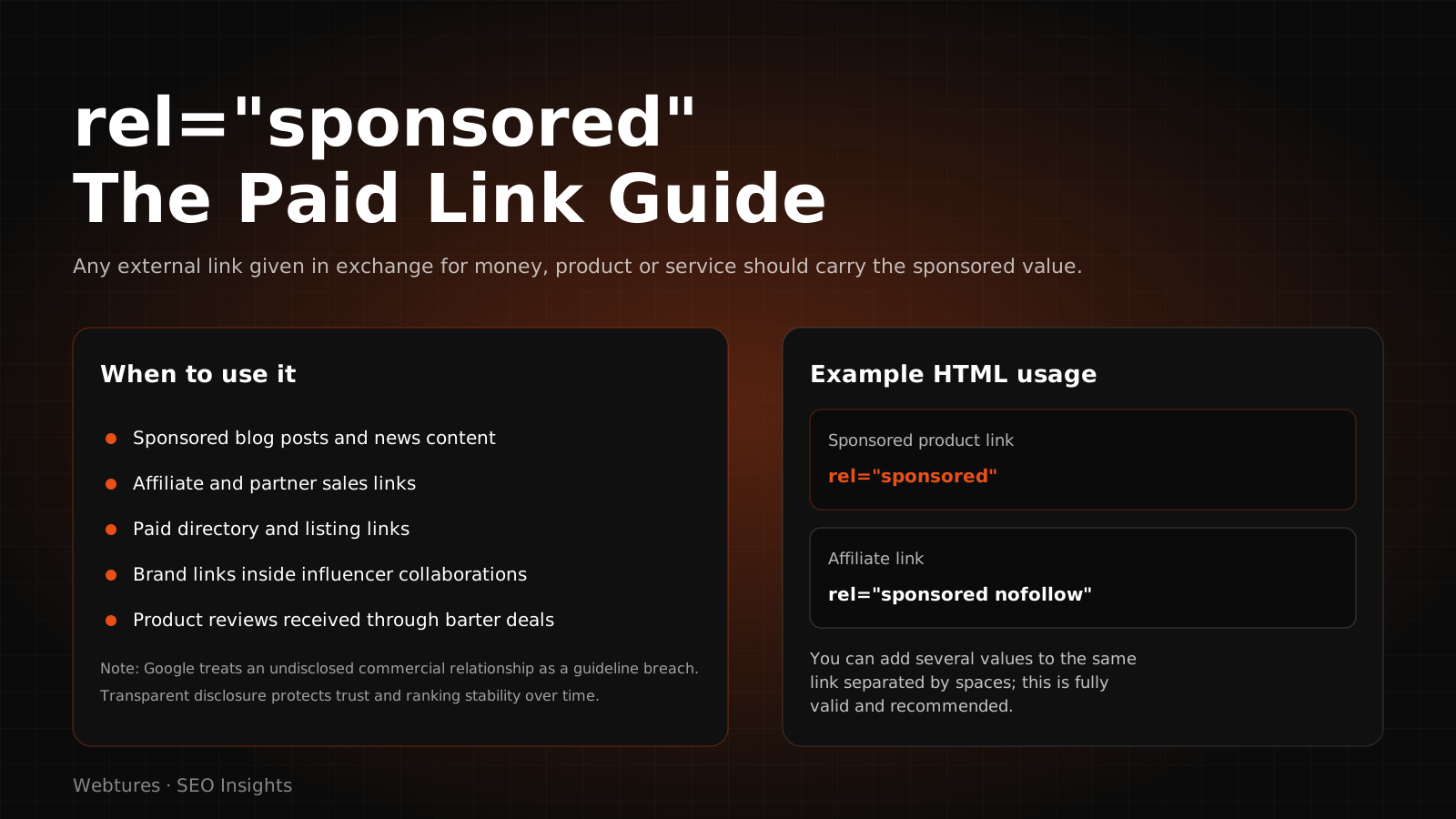
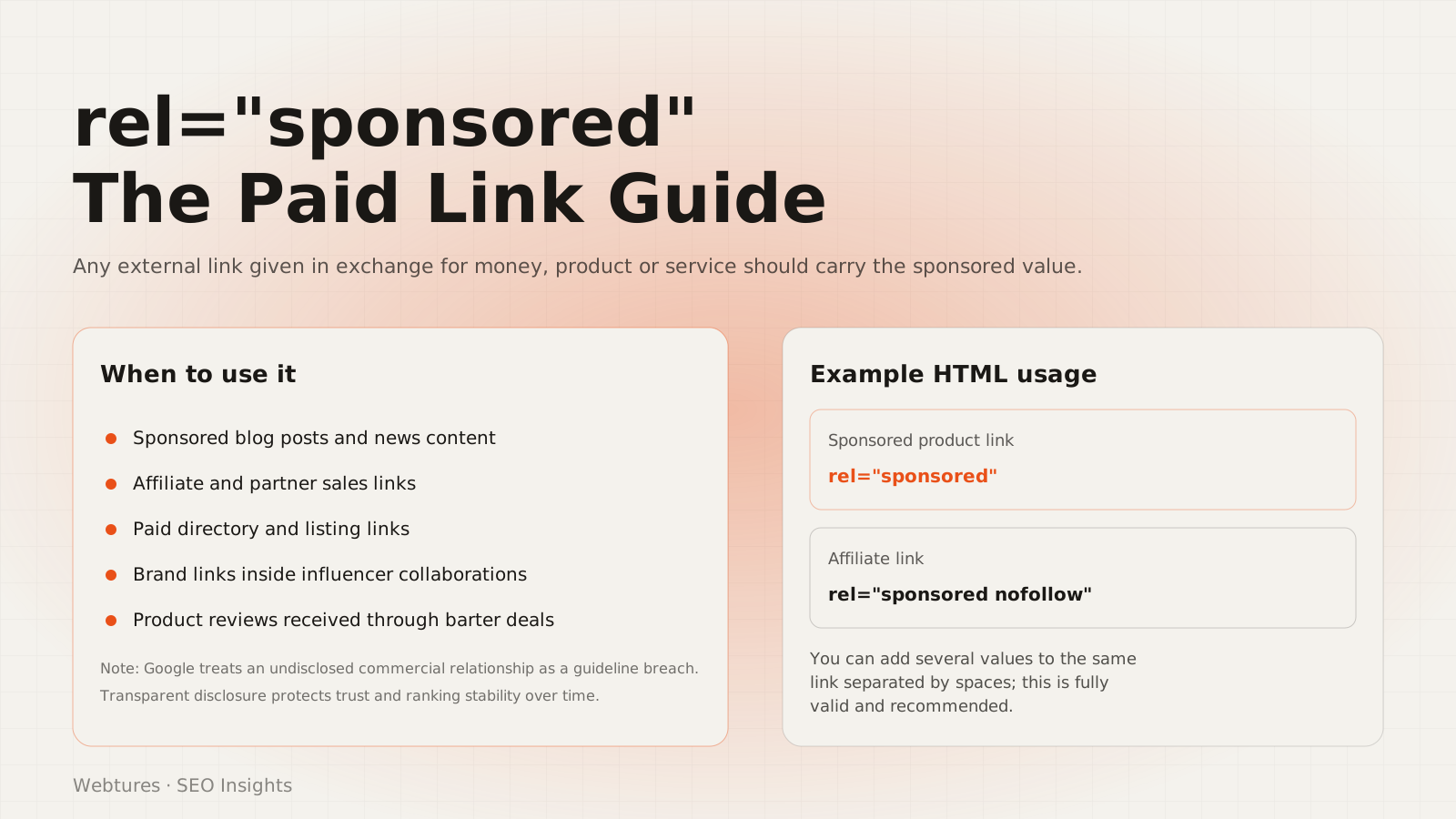
- rel="sponsored": advertising, sponsorship, or any paid placement.
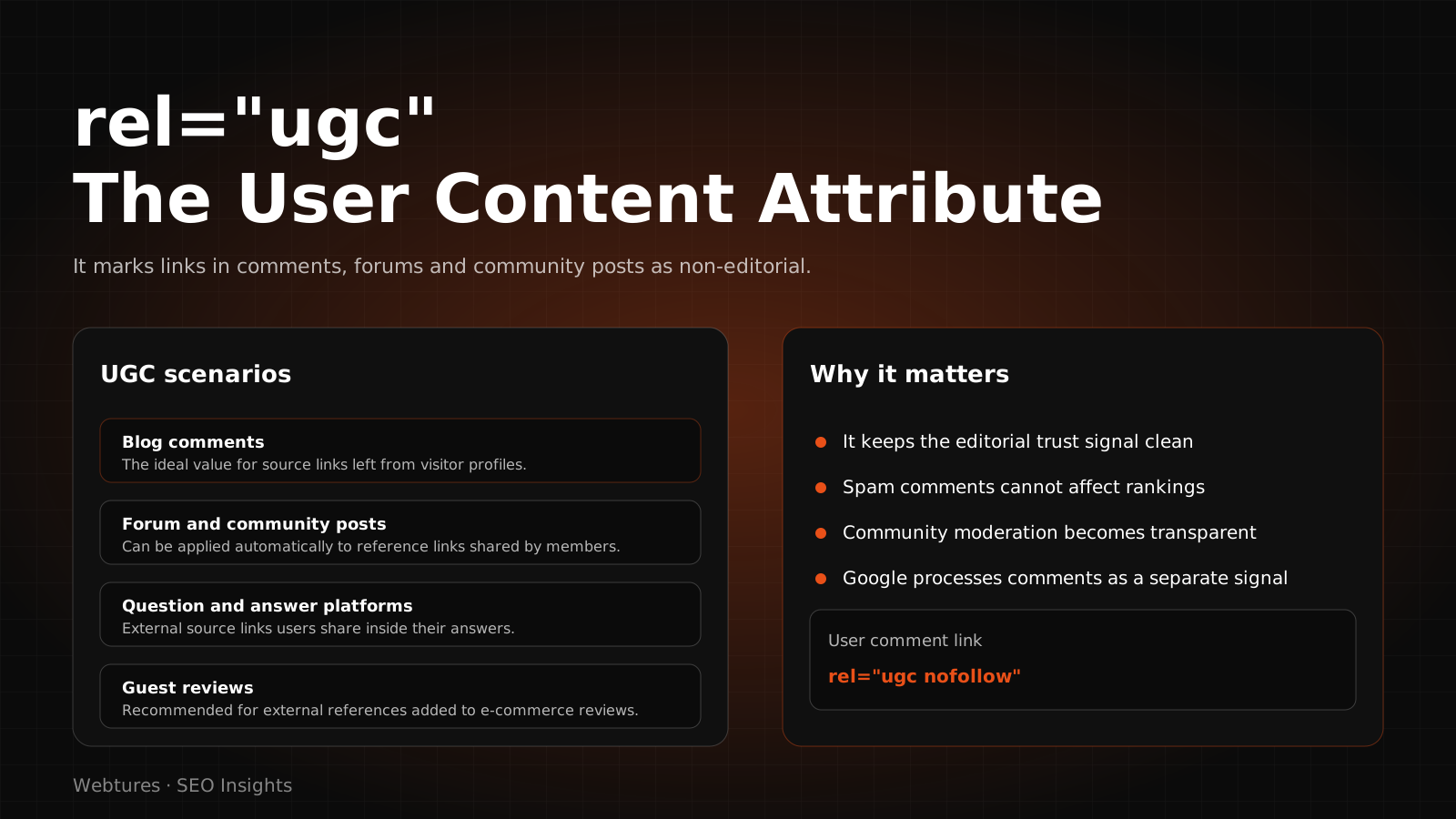
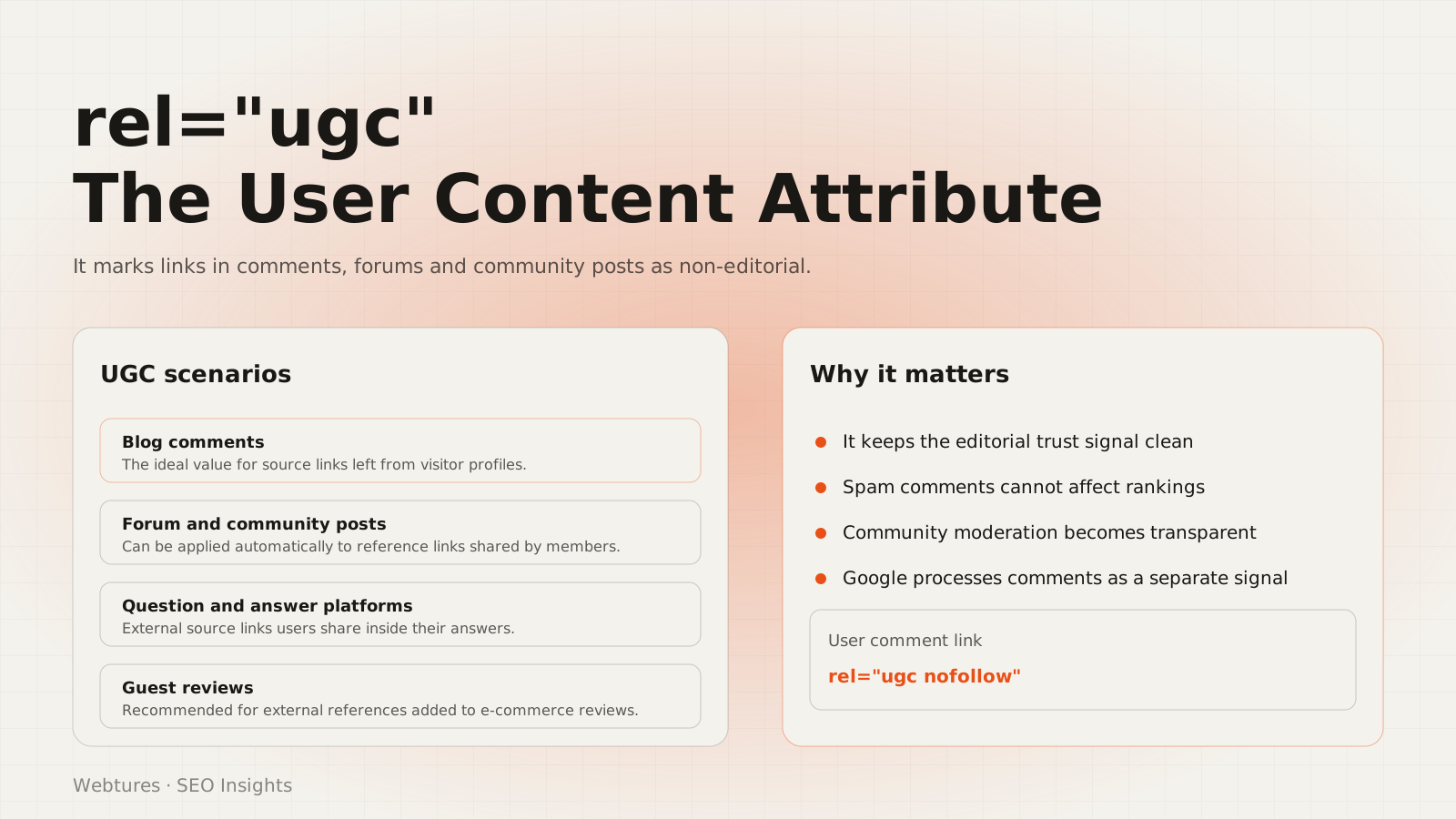
- rel="ugc": links inside user-generated content such as comments and forum posts.
- No attribute: a natural, editorial link.
The attributes are not mutually exclusive. A link can come from user-generated content and be sponsored at the same time, in which case rel="ugc sponsored" is valid.
How do search engines use links?
Links let crawlers discover new pages and understand how documents relate to one another. When a bot lands on a site it follows links to reach other documents, much as a reader does. If you want the underlying mechanics, see our guide on how a search engine works.
A link is more than a discovery path. Google interprets its value by looking at the anchor text, the topic of the page the link sits on, the trustworthiness of the source site, and the attribute attached to it. Link evaluation traces back to PageRank, but hundreds of signals and heavily semantic evaluation now sit on top of it. A link's weight depends on the authority and topical relevance of its source, not on a single metric.
What to watch when you link out:
- Use anchor text that actually describes the destination.
- Link only to pages that genuinely help the reader.
- Prefer trustworthy, topically relevant sources.
What is the nofollow attribute and how did it change?
Nofollow tells a search engine not to count a link as a ranking signal. Google introduced it in 2005 to limit comment spam. The 10 September 2019 announcement changed the model: nofollow is no longer a strict directive but a hint about which links to consider or exclude.
The second part of the change concerned crawling. Nofollow had long been used to block crawling and indexing as well. Google confirmed that this function also became a hint as of 1 March 2020. Sites that genuinely needed to block access had to move to robots.txt, meta robots tags, or password protection before that date. The rule still holds: if you want to close off access, nofollow is not the tool.
Example usage
- No attribute: <a href="https://example.com/">link</a>
- Nofollow: <a href="https://example.com/" rel="nofollow">link</a>
When should you use rel="sponsored"?
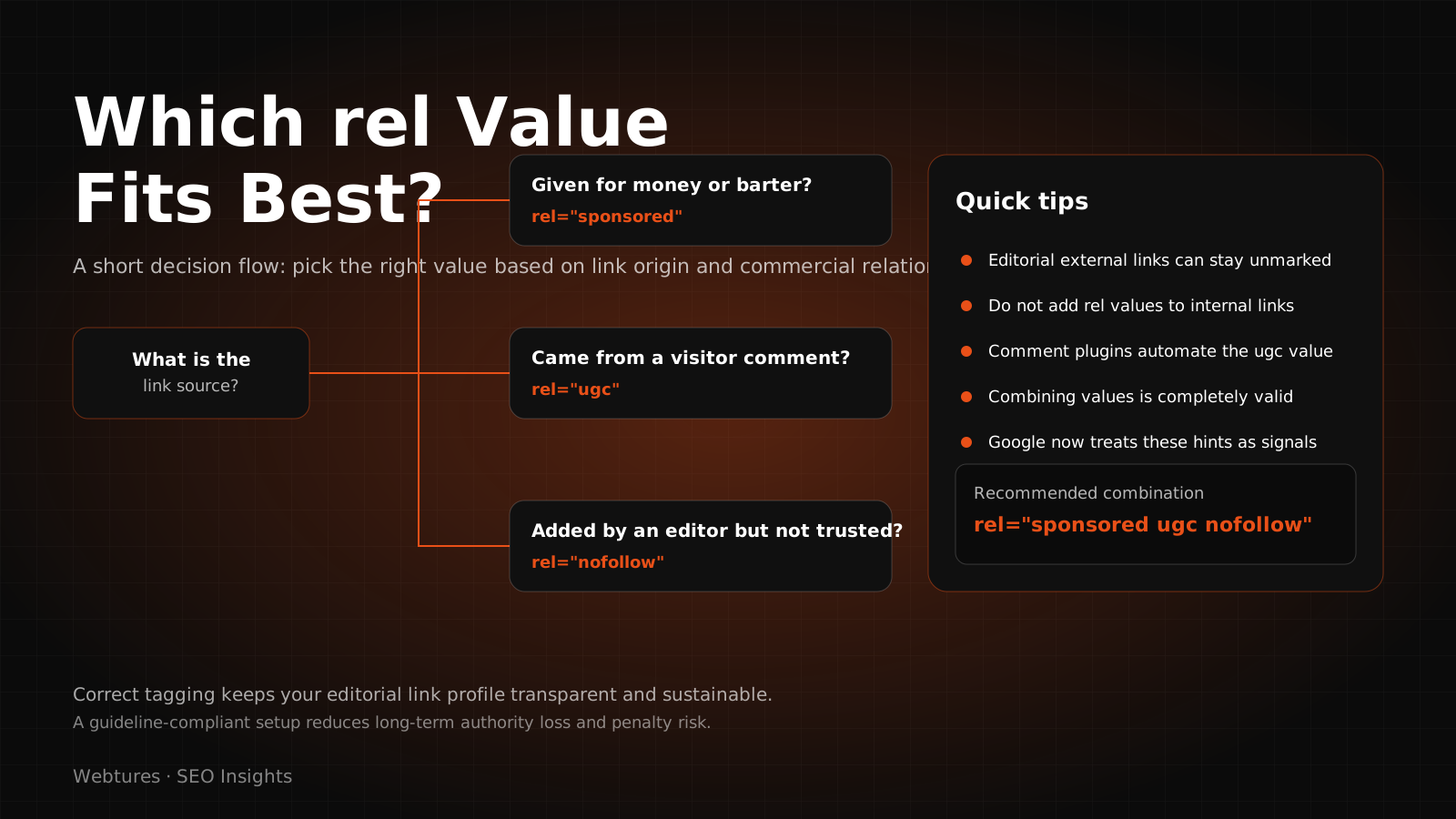
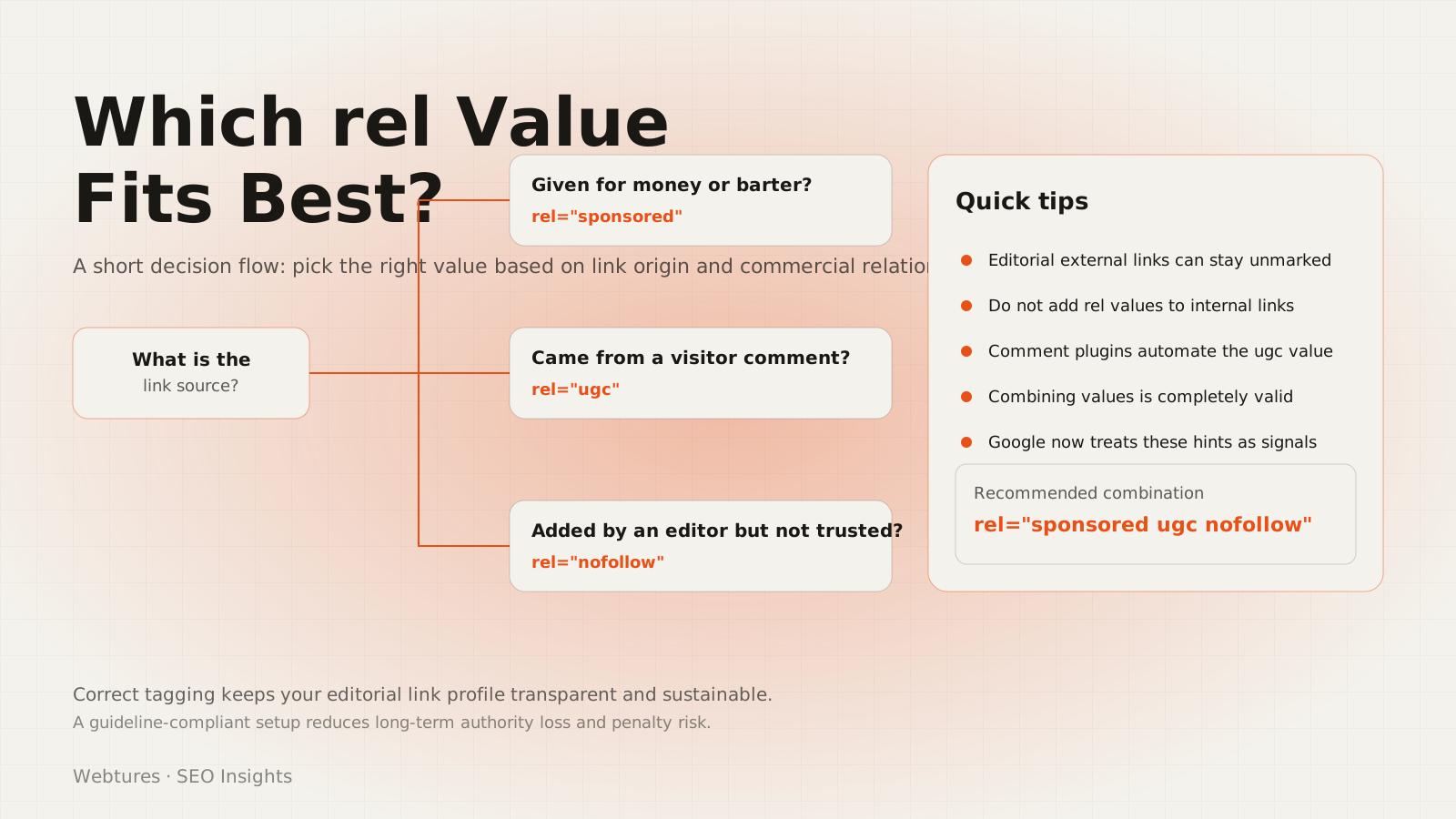
Use rel="sponsored" for any link that has been paid for. The attribute states plainly that the link comes from a commercial arrangement, and it is the cleanest way to stay clear of a link scheme action.
- Links placed as advertising
- Links placed under a sponsorship contract or agreement
- Links given in exchange for money, product, or service
Example: <a href="https://example.com/" rel="sponsored">link</a>
If you previously marked sponsored links with nofollow, you do not need to re-tag them. Google accepts both, though it has clearly stated that it prefers sponsored.
When should you use rel="ugc"?
Use rel="ugc" for links that originate in areas of your site written by users. UGC stands for user-generated content.
- Links inside blog and article comments
- Links inside forum posts
- User profiles, reviews, question-and-answer sections and other unmoderated areas
Example: <a href="https://example.com/" rel="ugc">link</a>
You may choose to omit the attribute for long-standing contributors you trust. That decision rests with the site owner. On sites built largely on user content, moderation policy matters more than markup.
Do you have to change existing link attributes?
No. Google did not require anyone to restructure historical nofollow markup. The new attributes were positioned as a richer vocabulary, not as extra work.
Is marking advertising and sponsored links mandatory?
Yes. To avoid a link scheme action, paid links should carry sponsored or nofollow. An unmarked paid link violates Google's spam policies.
Can a single link carry more than one attribute?
Yes. Values are separated by a space. For example, rel="ugc sponsored" signals that a link both came from user-generated content and was paid for.
Why are the attributes hints rather than directives?
Google stated that its systems can already identify manipulative links without these attributes. The hint model lets the system see and contextualise links it previously ignored outright. Announcing the change, Danny Sullivan framed the benefit as visibility into links Google could not process before:
What helps us more is just being able to see links that previously we couldn't process.
Danny Sullivan, Google, 11 September 2019
Why do link attributes matter in AI search?
In AI-driven search, authority rests less on link volume and more on whether a source is worth citing. AI Overviews, ChatGPT, Perplexity and Gemini pick sources when they compose an answer and name the source they used. What decides that pick is whether the content reads as a reliable, consistent body of knowledge.
Link marking plays an indirect but real part in this. Correct markup does three things:
- It separates editorial from commercial. A site that marks its paid links is also marking the independence of its editorial recommendations. That is the trust leg of E-E-A-T.
- It keeps the outbound profile clean. Hundreds of unmarked links from user comments blur a site's linking pattern. UGC markup filters that noise out.
- It protects citation eligibility. A site hit by a link scheme action loses organic visibility, and with it a place in the index-backed pool AI systems draw from.
Link attributes are hygiene, not a ranking trick. Visibility is still decided by the originality and authority of the content itself. Our articles on content optimization for AI search and the five golden rules of GEO content cover that side in detail.
If you want the Webtures team to review your link profile and technical SEO foundation, explore our services or get in touch.